CCCStart Help
We're Here for You Every Step of the Way
Trust the Process
Before students can begin their application journey in CCCStart, they must first create or sign in to the OpenCCC account used to access CCCStart, and then complete the identity-verification step before moving on to the CCCStart application questions.
Account Access
Create or Use an OpenCCC Account
OpenCCC is the account students use to access CCCStart. New applicants create a California Community College account, receive a CCCID, and are then redirected into CCCStart. Students who already have an OpenCCC account should use that existing account rather than create another one.
NOTE: If the student cannot access an existing OpenCCC account, use OpenCCC account recovery/support rather than attempt to create a duplicate account.
Identity Verification
Choose a Verification Option
After OpenCCC account access and before the student moves into the CCCStart application questions, the identity-verification step appears. On that screen, the student can choose:
Learn More about Identity Verification Options
 “Verify Later” does not remove the verification requirement.
Applicants 18 and older can submit first, but SBCC will hold the application until
verification is complete. Once verified, the application can move forward into processing.
CCCStart Application
Begin Answering CCCStart Questions
After the verification screen, the student continues into CCCStart. Selecting "Verify Later" does not prevent the student from completing and submitting the application, but applicants age 18 or older will not be processed until verification is complete.

Explore Student Journeys at SBCC

All CCCStart journeys use the same four main application areas, but the sections inside those areas change depending on the student's journey. Choose a path below to see the screens one should expect.
We're Here to Help
Here are some important tips to remember:
 Find the starting point
Confirm whether you are beginning, resuming, or troubleshooting an existing application.
Identify the next action
Guide yourself to the next concrete step instead of trying to walk through the entire
process at once.
Escalate to the right team
Separate CCCStart technical issues from SBCC admissions and enrollment questions.
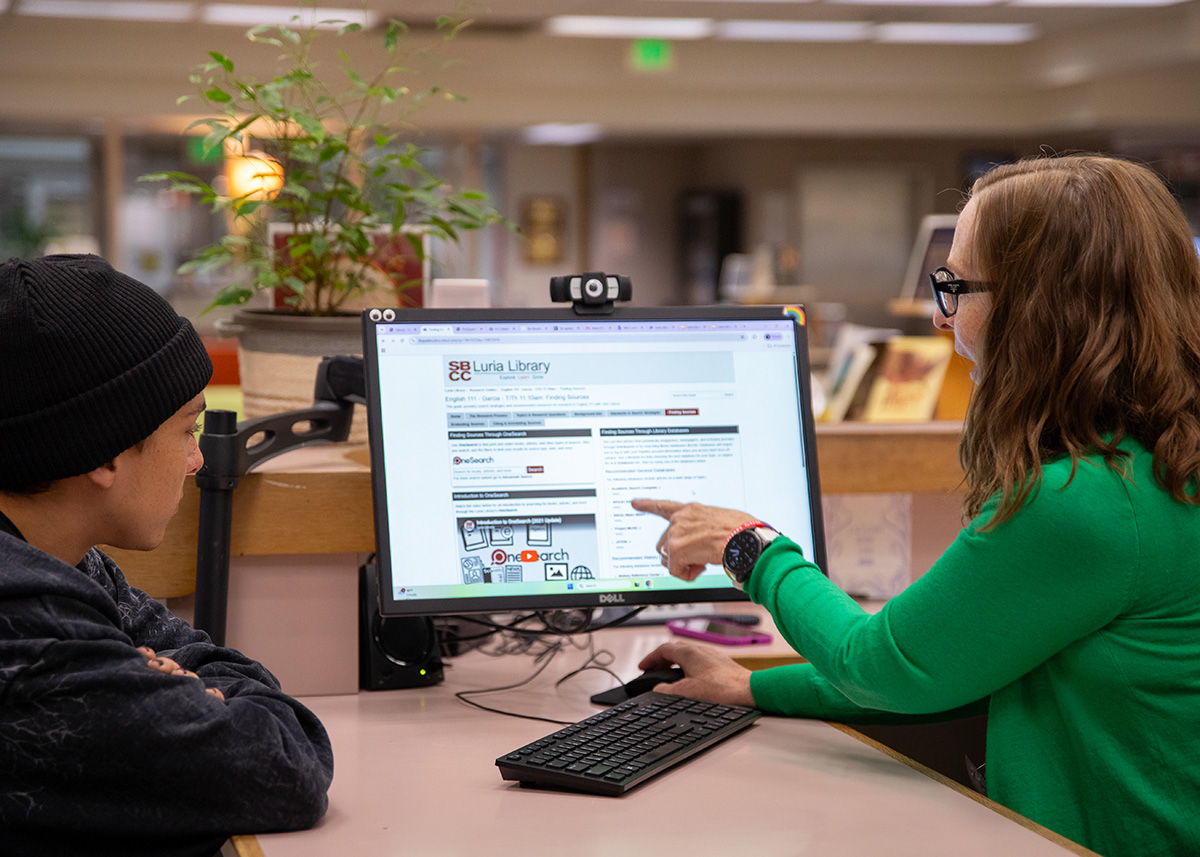
Additional Help and Support
Regardless of where you are in the CCCStart journey, SBCC and the California Community Colleges (CCC) are here to help and provide support!
NOTE: For OpenCCC account issues, the student's CCCID is useful when known. For CCCStart technical issues, please have their CCCStart/CAS ID available when possible.
CCCStart Applicant Help Center
Sign-in, password, CCCID, or OpenCCC profile issues
OpenCCC is the account layer used to access CCCStart. Use OpenCCC support when the problem is with account access or account information rather than the CCCStart
application itself.
CCCStart support can help with application-related technical questions and navigation after the student reaches the CCCStart platform.
In-app: Chat after signing in to CCCStart
Email: support@cccstart.myliaison.com
Phone: 877-247-4836, ext. 6
SBCC Enrollment Services is here to assist all new, returning and prospective students with enrollment, registration, and access to campus resources.
Frequently Asked Questions
No. CCCStart is the new student entry and application platform that is replacing CCCApply over time. During the statewide transition, different colleges may still use different systems. A student's OpenCCC account is the common account used to access the appropriate application system.
No. Students who already have an OpenCCC account should use that existing account. If they cannot sign in or need to recover account access, direct them to OpenCCC account recovery/support rather than creating another account.
After creating or signing in to the OpenCCC account and before moving into the CCCStart application questions, students encounter the identity-verification step. On that screen they can verify with the CA DMV Wallet or ID.me, or select “Verify Later.” Fullerton College also offers in-person verification through Admissions & Records. Applicants under 18 are not required to verify. Applicants age 18 or older who choose Verify Later can submit, but the application will not be processed until verification is completed.
CCCStart uses the student's answers (especially in My Journey) to determine which application questions and sections are relevant to that student.
CCCStart displays a confirmation after submission, and students can review the status of their selected programs from within the application.
Some information can be updated after submission, but changes are limited. Use official CCCStart guidance for application edits and contact Admissions and Records for SBCC-specific corrections or next steps.
Use OpenCCC support for account access, password, CCCID, or OpenCCC profile issues. Use CCCStart support for CCCStart application-platform questions. Use Student Services for identity verification or other SBCC-specific processing, status, enrollment, and next steps.